|
🪟 Windows servers, now in Alpacon
For most teams, managing Windows servers has meant logging into Remote Desktop, clicking through settings manually, or having to go in yourself every time something needs to be done—it's always been manual work.
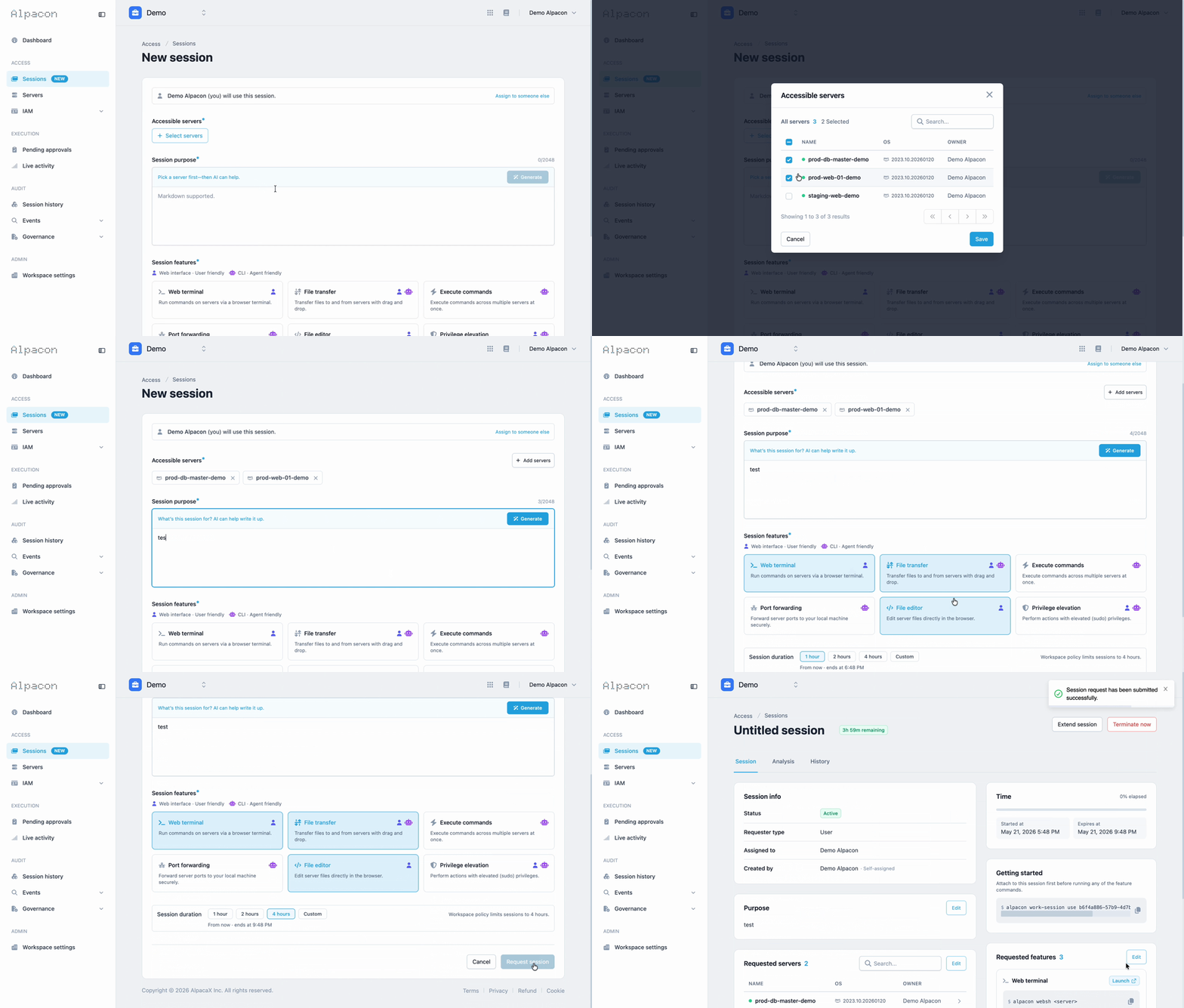
The era of agentic server management is here. Remote Desktop is a tool designed for humans, not AI. That's why we deployed Alpacon to work with Windows terminals. The terminal is the most natural interface for AI agents. With Alpacon connected to your Windows server, AI server management is not only easy, but secure.
Full platform coverage
Alpacon started with Ubuntu and Red Hat-based Linux servers. Then came macOS support. Now, with the deployment of Windows compatibility, all major server environments can be connected through Alpacon in one place. And not just for humans! AI agents have access too. Now any server connected to Alpacon, regardless of OS, can be managed the same way.
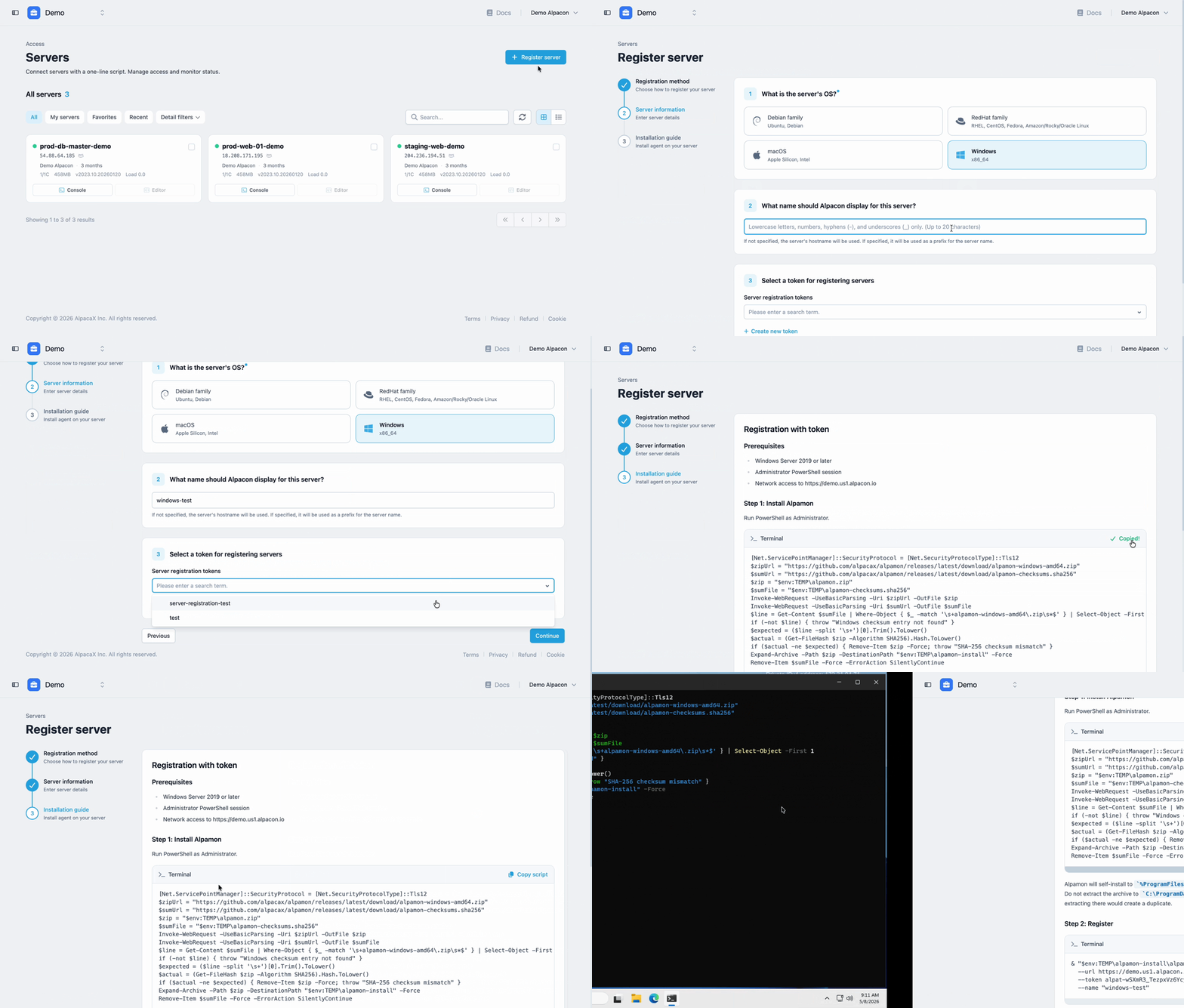
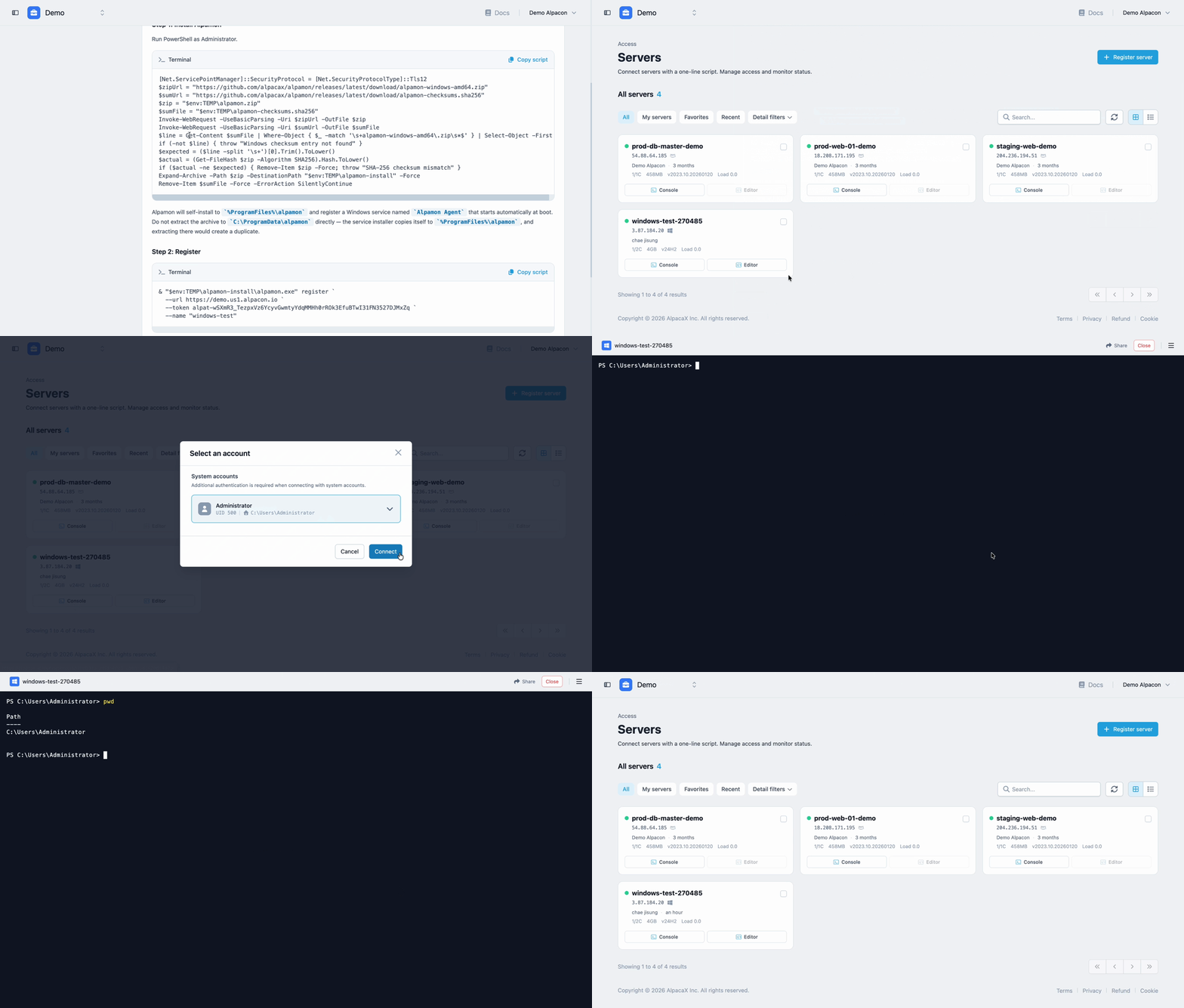
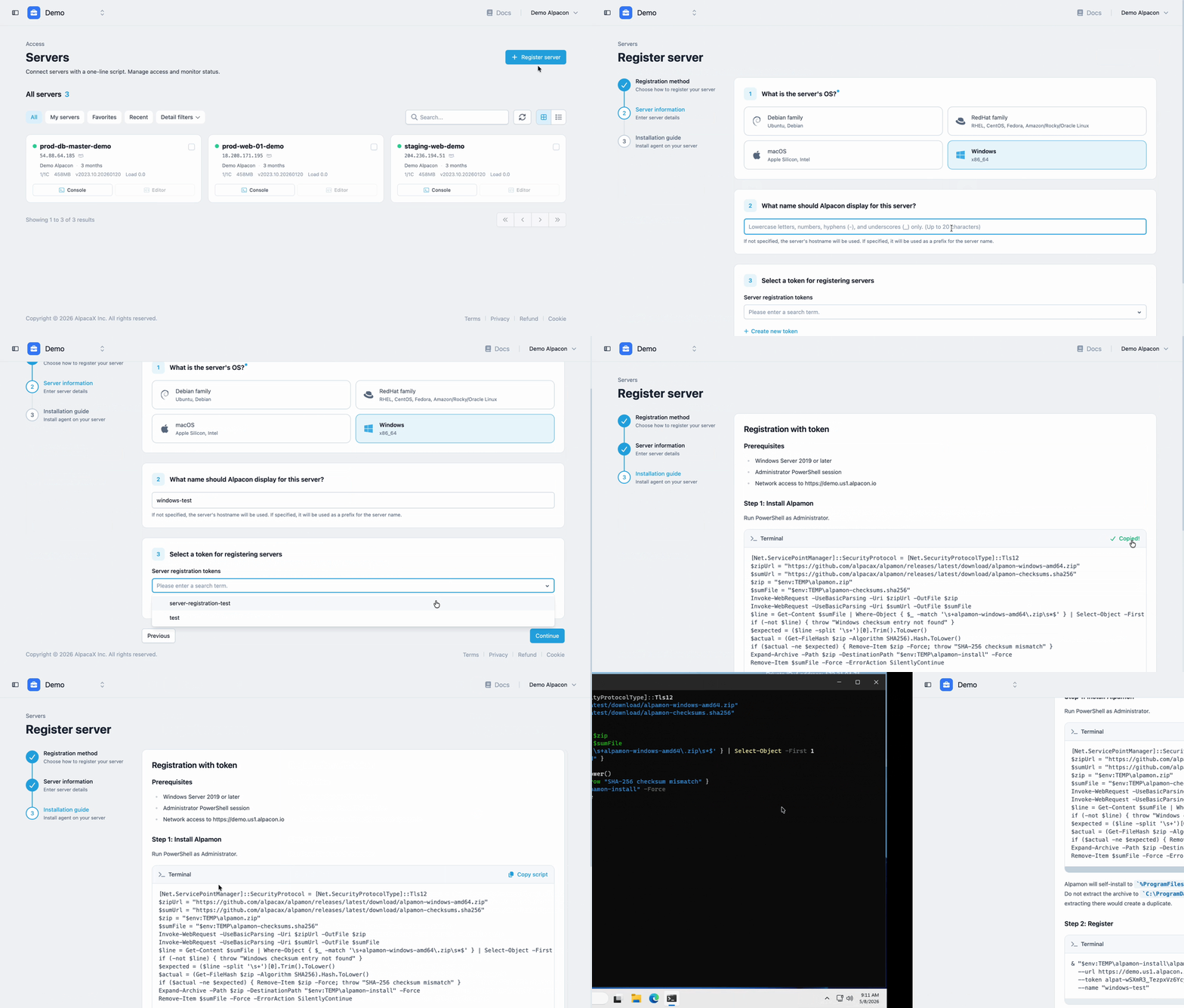
Select the Windows platform from the server registration screen, follow the setup guide, and your Windows server is registered in Alpacon.
Same experience, every platform
Terminal access, file management, audit logs, access control—everything works exactly the same as other servers already registered in Alpacon. AI agents work the same way too, through the Alpacon CLI. That means one workflow, one agent—regardless of OS.
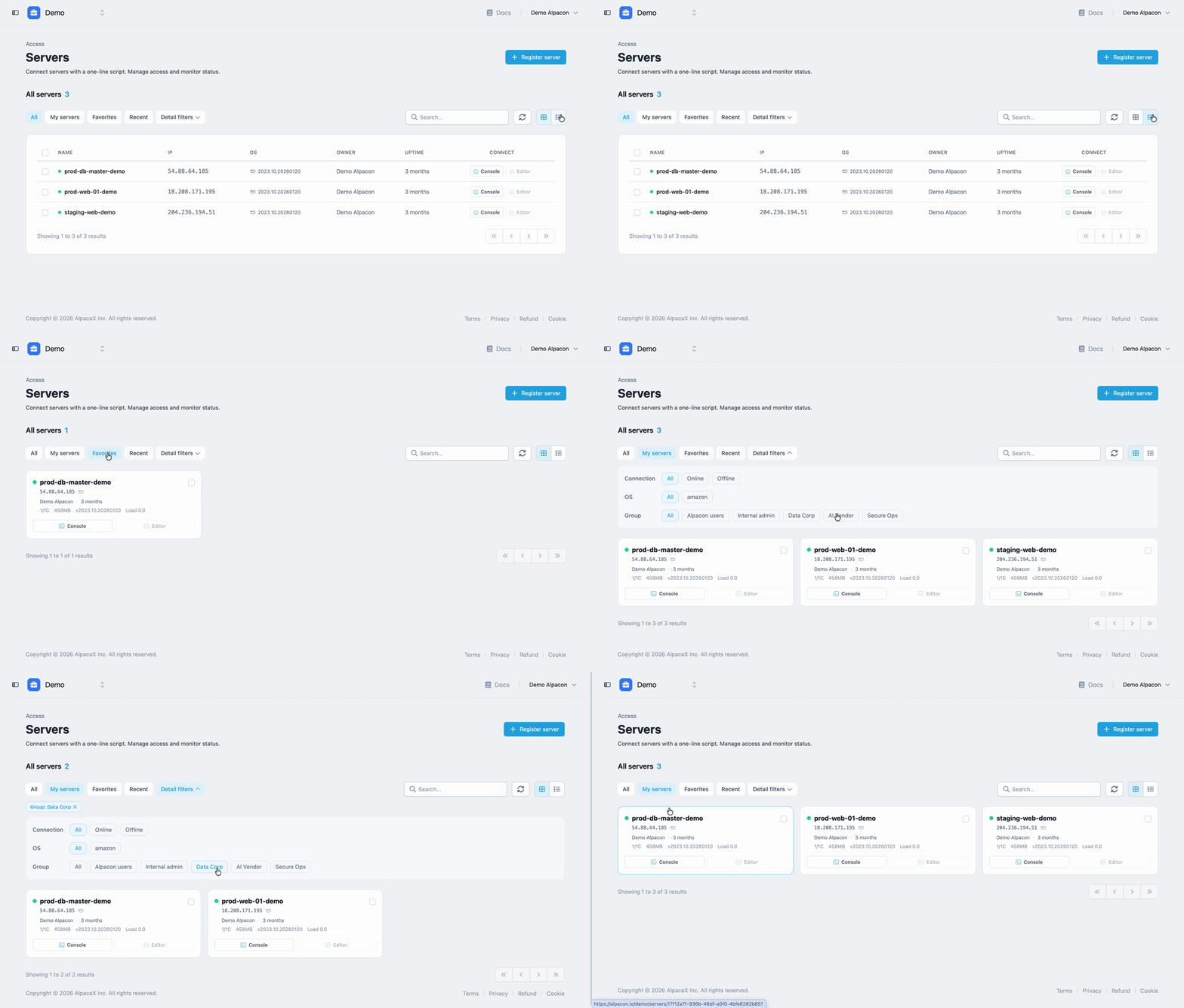
Connect Linux, macOS, and Windows to Alpacon and manage everything in one place.
Get started with Alpacon
|